
12 Spin Wheel Classroom Activities That Actually Work
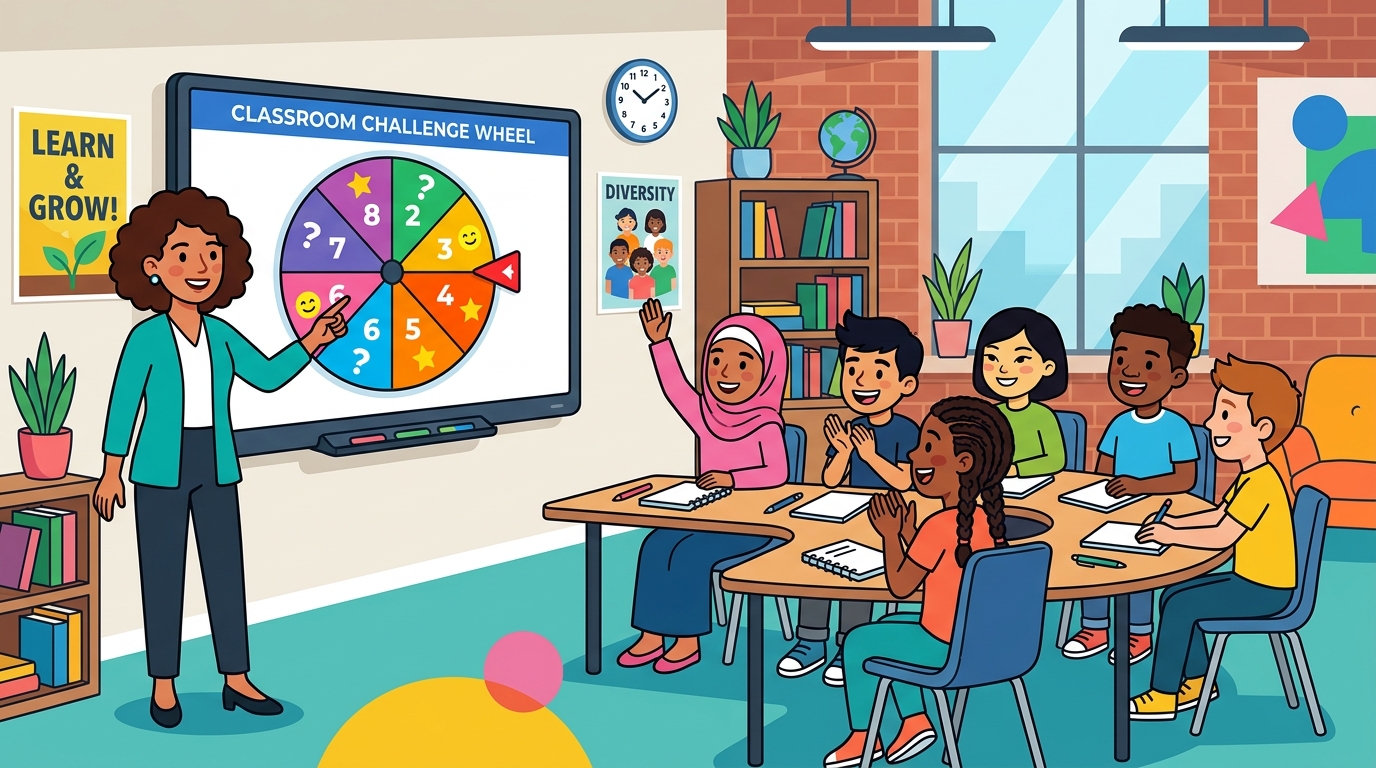
A digital spin wheel is free, works on whatever’s connected to the projector, and takes about thirty seconds to set up. What makes it worth the setup isn’t novelty — it’s that it removes the negotiation from a dozen small classroom transitions a day.
This post is about activities: what to actually put on the wheel. If what you need is a fair, consistent way to choose which student speaks next, that’s a different problem with its own considerations, and it’s covered in our guide to using a random name picker in the classroom.
Review and practice
1. Review category roulette. Put your unit’s topics on the wheel — “Photosynthesis”, “Cell division”, “Mitosis vocabulary”. Spin to pick the category, then ask a question from it. Students can’t predict what’s coming, so they revise broadly rather than betting on one topic.
2. Question-number picker. For a numbered worksheet or question bank, the random number generator is faster than a wheel. Set the range to match your question count and pull numbers as you go.
3. Vocabulary challenge. Load the wheel with this week’s words. Spin, and the student or team defines it, uses it in a sentence, or acts it out. Rotate the task type each round so it doesn’t become routine.
4. Four-corners quiz. Wheel picks the question, students physically move to the corner matching their answer, then you reveal. Gets a class out of their chairs without losing the academic thread.
5. Mental maths sprint. Two wheels — one with numbers, one with operations from the operations template. Spin both, class solves. Endless problems with no prep.
Writing and creativity
6. Three-wheel story starter. Build three lists and spin each in turn:
- Characters — a pirate, a lost alien, a talking dog, a retired detective
- Settings — a haunted house, Mars, a supermarket at 3am, a lighthouse
- Conflicts — lost their memory, ran out of time, found something they shouldn’t have
Students write a short piece combining all three. The absurd combinations are the point: nobody can fall back on a story they’ve written before.
7. Perspective switch. After reading a text, spin for a character and have students rewrite a scene from that viewpoint.
8. Constraint writing. Put constraints on the wheel — “no adjectives”, “exactly 50 words”, “must end with a question”, “written as a letter”. Spin one and apply it to whatever they’re drafting.
Transitions and classroom management
9. Choose the next activity. Fifteen minutes left and no plan? Put “Vocabulary bingo”, “Group quiz”, “Silent reading”, “Kahoot” on the wheel and let it decide. Students accept a wheel result far more readily than a teacher’s choice, and it costs you nothing.
10. Brain break generator. Load short physical or mental resets — “30 seconds of stretching”, “two-minute doodle”, “partner chat”, “20 jumping jacks”. Spin when energy drops.
11. Station rotation order. Use the list randomizer to shuffle the station order, or the team generator to split the class into groups first. Shuffled order beats a fixed rotation because groups stop anticipating which station is “the boring one”.
12. Classroom jobs. Line leader, paper passer, board eraser, tech helper. Make Friday-afternoon job assignment a five-minute event: spin for each role for the week ahead. Turn on winner removal so one student doesn’t collect three jobs.
Setting it up so it stays fast
The wheel is only a time-saver if you aren’t retyping lists. A few habits help:
Keep your lists somewhere reusable. A note or doc with your standing lists — class topics, brain breaks, jobs, writing prompts — means setup is a paste, not a typing session.
Use the built-in templates as starting points. The wheel ships with ready-made lists for maths operations, letters, colours, animals, days and months, and more. Faster than building common lists from scratch.
Build lists once per unit, not per lesson. A review-topic wheel for a whole unit gets used ten times.
Decide the repeat rule up front. Winner removal on for anything where each item should come up once — jobs, presentation order, review topics you want fully covered. Off for prompts and brain breaks where repeats are harmless.
Keeping it supportive
Randomness should add energy, not anxiety. Two things keep it on the right side of that line:
Announce that the wheel is coming. Students who know a spin is about to happen can prepare. Students ambushed by one are just being tested without warning.
Give think time before the reveal. Spin for the question, then give a minute — or a partner conversation — before anyone answers. The randomness picks the task; it shouldn’t also remove the thinking time.
For activities involving individual students by name rather than topics, the considerations get more specific — pacing, opt-outs, and privacy all matter. Those are worked through in the random name picker guide.
Start with one
You don’t need twelve of these. Pick the transition that wastes the most time in your room — usually activity choice or job assignment — and put that one on a wheel this week. If it saves you five minutes a day, add a second.