
How to Create Random Teams That Feel Fair
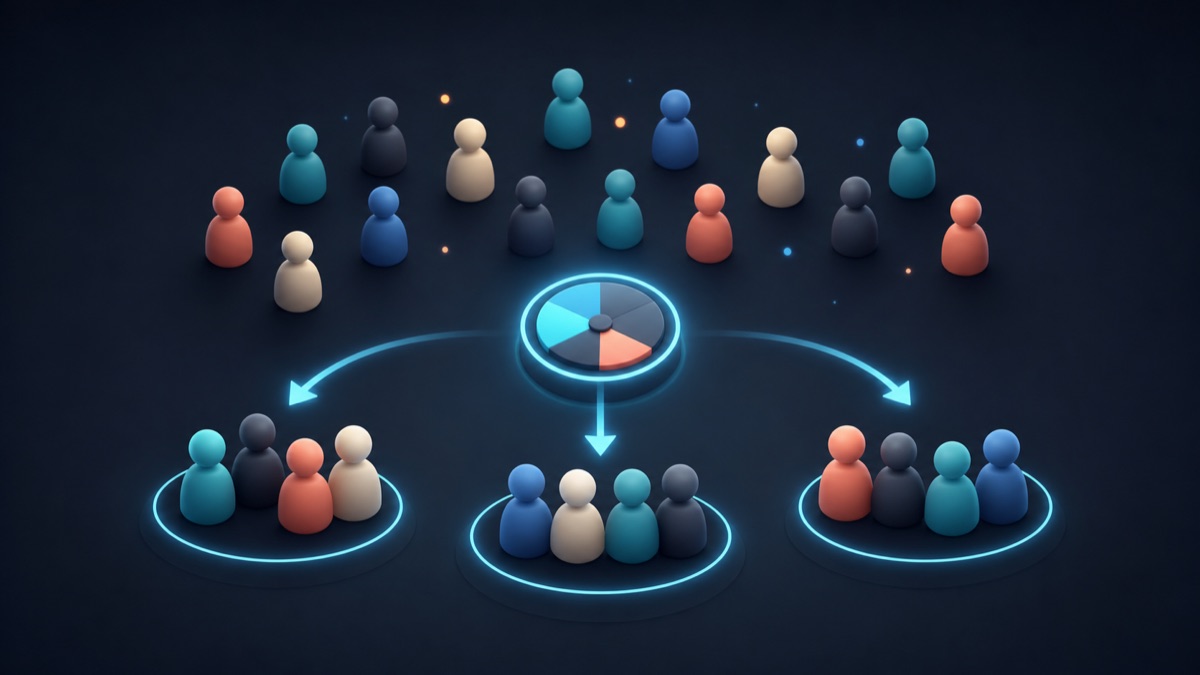
Making groups can take longer than the activity itself. People wait to see where they belong, familiar groups form by default, and a well-meant assignment can look like favoritism. A random team generator gives everyone a visible process and gets the room moving faster.
Random groups are not right for every situation. Projects with specialised roles, accessibility needs, or carefully balanced skills may need teacher or facilitator judgment. But for many discussions, icebreakers, games, practice activities, and breakout sessions, random assignment is a straightforward and useful default.
Decide what “fair” means for the activity
Fairness is not always identical groups. Start by asking what the activity needs:
- Equal chance: Every participant can be placed with any other participant.
- Similar group sizes: No group should be noticeably larger than the rest.
- Mixed participation: Participants should work with people outside their usual circle.
- Practical support: Some people may need a specific partner, seating arrangement, or role.
A random process handles the first three goals well. Address the fourth before you generate groups. For example, you can add a support partner as a single unit in your planning, or make a small adjustment after the draw and explain it briefly if needed.
Set up the list once
Open the free random team generator and add one participant per line. Choose the number of teams, not the target size, then select Generate. The tool shuffles the names and deals them across teams in turn, keeping the group sizes as even as the total allows.
For example, 17 people in four teams cannot produce four identical sizes. A balanced result will have three teams of four and one team of five. That one-person difference is unavoidable; a random distribution should not create a wider gap.
Before sharing the result, scan the list for missing names, duplicates, and spelling errors. A clean list is the simplest way to make an automated draw feel trustworthy.
Make the process visible
If you are assigning groups in front of a class or workshop, project the list and the result. Seeing the process eliminates the need to guess how groups were decided. It can also make the transition more lively: people immediately know where to go and who they will work with.
For remote sessions, paste the generated teams into the chat or a shared document, then assign breakout rooms. If teams need to complete different tasks, label each group clearly before people leave the main room.
Keep the task clear before groups form
Random assignment is most effective when participants can start immediately. Give three pieces of information before generating teams:
- the task or question they will work on;
- the amount of time available; and
- the outcome they should bring back, such as a decision, one example, or a short presentation.
This avoids the familiar pause where everyone has a group but no idea what to do next. A simple written prompt on a slide or whiteboard is often enough.
Use a second random step for roles and order
Once teams are set, you may need a presenter, note-taker, first turn, or challenge prompt. Keep those choices independent from team assignment:
- Use the spin wheel to choose a team to report first.
- Use a list randomizer to create a presentation order.
- Use the random number generator to select a question from a numbered set.
Separating the steps makes the activity easier to follow. It also gives participants a quick way to see that each choice is being made with the same neutral process.
When not to use random teams
Use your judgment when random assignment would create a barrier to success. You may want to create groups deliberately when a project requires a particular mix of experience, students need accommodations, a safety issue is involved, or a new participant needs extra support. Random tools save time; they do not replace responsible facilitation.
Final thought
Random teams work best when they are quick, visible, and connected to a clear task. Prepare the names, choose a group count, state the activity, and let the generator handle the initial distribution. That leaves more time for the part that actually matters: collaboration.